工作站pb在cs体系中设置工作站与服务器的时钟同步(Pb sets the clock synchronization between the workstation and the server in the CS system)
pb在cs体系中设置工作站与服务器的时钟同步Pbsets theclocksynchronization between the workstation and the server in the
CS system
Set up the clock synchronization between the workstation andthe server in the C/S systemabstract
In practical applications often require the client / serverclock and each workstation server architecture of clocksynchronization; the SYBASE database, Powerbuilderdevelopment tools that a solution based on.
I. Preface
PowerBuilder through the data window object, can be convenientand direct operation of the database, so it has become thecurrent development of Client/Server mode application of thepreferred tool for development. In the development of hospitalinformation management system, we used PowerBuilder as a frontdevelopment tool, Sybase as a background database.
The hospital information management system, keep synchronous,time and server modules are many requirements for theworkstation such as: Outpatient charging system requirementscan be uniformly to the siyao window and hospital pharmacydispensing prescription assigned to send orders according tothe time order unit etc. . To solve this problem, wehave writtenthe corresponding program, the main idea is: dynamic cursoraccess to server time, WIN32 API function set the machine time,
the specific implementation is as follows:
Two, the realization method:
1, connect to the database
PowerBuilder supports a variety of database management system(DBMS) , such as Sybase, Oracle, Informix, Microsoft, SQL andServer etc; according to different types of databases, usingspecial interface or ODBC interface to connect to the database,a configuration file (DB Profile) .
2, create application objects, and write scripts in applicationobject events
1>, the script for the object open event is as follows:Startupfile = "settime. ini""
Sqlca.DBMS=, Prof ileString (startupfi le, "database", "DBMS","" "
Sqlca.database=Prof ileString (startupfile, "database",)
Sqlca.userid=ProfileString (startupf ile, "database",
"userid", "" ")
Sqlca.dbpass=ProfileString (startupf ile, "database",
"dbpass", "" ")
Sqlca. logid=Prof ileString (startupfile, "database", "logid","" "
Sqlca. logpass=ProfileString (startupfile, "database","LogPassWord", "" ")
Sqlca. servername=Profi leString (startupfile, database,ervername. . . )
Sqlca.dbparm=, Prof ileString (startupfile, "database","dbp arm", "" ")
Connect;
(f_setlocaltime) //call customfunction to complete the localworkstation set time
2>, the application object, the script in the Close event isas follows:
DISCONNECT Using SQLCA;
3. Define the API function of WIN32 as an external functionIn the Script brush workspace, select Declare > Global,External, Functions, and the API function defining WIN32 isdefined as an external function defined as follows:
FUNCTION LONG SetLocalTime (Ref SYSTEMTIME systimeptr) LIBRARY"Kernel32.dll""
4. Define the structure of the access time parameter
Click the Structure Painter button in PainterBar or PowerPanelto define a structure called SYSTEMTIME, which makes thestructure variables and the corresponding data type as follows:Integer wyear
Integer wmonth
Integer wdayofweek
Integer WDAY
Integer whour
Integer wminute
Integer wsecond
Integer wmillisecond
5, create user-defined functions to complete the setting ofworkstation time, this article comes from http://bianceng. cn(programming portal)
Create a custom function named f_setlocaltime with the
following script:
SYSTEMTIME s_systime//statement of previously defined typesof variables
nettime datetimedeclare cur_ time dynamic cursor for sqlsa; / /声明动态游标
/ / prepare sqlsa from "select sysdate from sys.dual"; / /oracle数据库
/ / prepare sqlsa from "select getdate()"; / / sybase数据库/ /根据实际应用, sql2000也用这个获取时间prepare sqlsa from "select now () ; / / sqlserver数据库open dynamic cur _ time;if sqlca. sqlcode = 0 thenfetch cur_ time into: nettime; / /通过数据库获取服务器时间end ifif sqlca. sqlcode < > 0 then / /获取服务器时间出错,直接使用本地时间.
/ / messagebox ("出错信息", "在函数gf _ get _ sysdate ()运行时数据库出现错误!")nett ime = datetime (today () , now ()end if
the cur _ time;it _ systime.wmonth = month (date (nettime))it _ systime.wday = day (date (nettime) )it _ systime.wyear = year (date (nettime))it _ systime.whour = hour (time (nettime))it _ systime.wminute = min (time (nettime) )it _ systime.wsecond = second (time (nettime) )it _ systime.wmillisecond = 30setlocaltime (s _ systime) / /调用win32 api函数,设置工作站时间.return nettime
6、创建可执行应用程序
在powerbar或powerpanel中单击project按钮打开project painter.select project对话框出现,单击new创建一个新的工程对象,输入可执行程序名(如: settime. exe) ,单击ok.然后单击build, 即可创建可执行文件.
7、将可执行程序安装至各工作站
将生成的可执行程序(如: settime.exe)放入各工作站的windows的启动菜单, 即可在每次启动windows时,工作站自动根据服务器时间校正本机时间.
三、结束语
上述方法是创建一个独立的可执行文件来实现工作站与服务器的时间同步;编程时,也可在应用程序的open事件或程序登录对应事件中调用上述f _ settime函数, 以实现工作站的时间与服务器同步.此方法已在开发医院信息管理系统中加以应用,取得了很好的效果.
- 工作站pb在cs体系中设置工作站与服务器的时钟同步(Pb sets the clock synchronization between the workstation and the server in the CS system)相关文档
- 时间计算机网络论文基于CS的时间同步服务器的实现
- 时间计算机网络论文基于CS的时间同步服务器的实现
- 仓库Git环境搭建(2)---搭建CS架构的服务器
- 架设架设cs服务器 _hlds教程(Set up cs server _hlds tutorial)
- 服务器揭开CS服务器架设方法的面纱
- 服务器linux搭建CS服务器教程
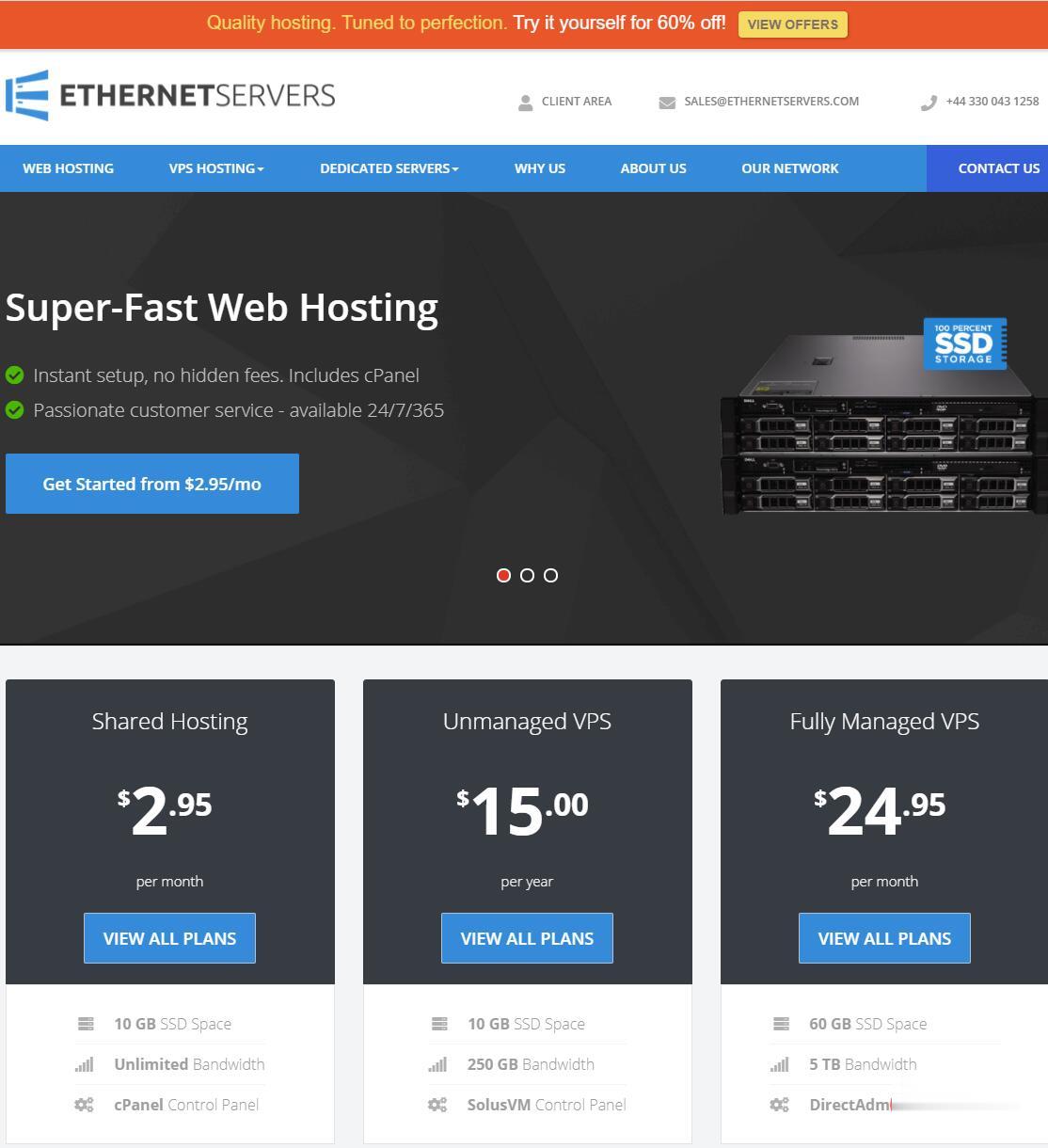
EtherNetservers年付仅10美元,美国洛杉矶VPS/1核512M内存10GB硬盘1Gpbs端口月流量500GB/2个IP
EtherNetservers是一家成立于2013年的英国主机商,提供基于OpenVZ和KVM架构的VPS,数据中心包括美国洛杉矶、新泽西和杰克逊维尔,商家支持使用PayPal、支付宝等付款方式,提供 60 天退款保证,这在IDC行业来说很少见,也可见商家对自家产品很有信心。有需要便宜VPS、多IP VPS的朋友可以关注一下。优惠码SUMMER-VPS-15 (终身 15% 的折扣)SUMMER-...
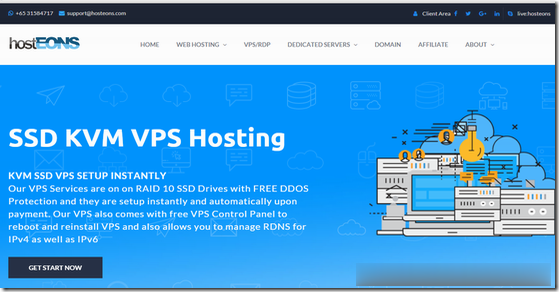
Hosteons:洛杉矶/纽约/达拉斯免费升级10Gbps端口,KVM年付21美元起
今年1月的时候Hosteons开始提供1Gbps端口KVM架构VPS,目前商家在LET发布消息,到本月30日之前,用户下单洛杉矶/纽约/达拉斯三个地区机房KVM主机可以从1Gbps免费升级到10Gbps端口,最低年付仅21美元起。Hosteons是一家成立于2018年的国外VPS主机商,主要提供VPS、Hybrid Dedicated Servers及独立服务器租用等,提供IPv4+IPv6,支持...
cloudcone:特价便宜VPS补货通知贴,SAS或SSD低价有磁盘阵列,SAS或SSD raid10 硬盘
cloudcone经常性有特价促销VPS放出来,每次的数量都是相当有限的,为了方便、及时帮助大家,主机测评这里就做这个cloudcone特价VPS补货专题吧,以后每次放货我会在这里更新一下日期,方便大家秒杀!官方网站:https://cloudcone.com/预交费模式,需要充值之后方可使用,系统自动扣费!信用卡、PayPal、支付宝,均可付款购买!为什么说cloudcone值得买?cloudc...
-
软银巨亏为什么马云说支付宝如果被抓 知乎输入法哪个好用输入法那个软件好迈腾和帕萨特哪个好迈腾和帕萨特哪个好法兰绒和珊瑚绒哪个好请问天鹅绒法兰绒和珊瑚绒哪个好啊 想买套床上用品少儿英语哪个好少儿英语,那个好一些?绝地求生加速器哪个好绝地求生用什么加速器比较好?海克斯皮肤哪个好联盟海克斯科技和抽皮肤哪个合适oppo和vivo哪个好vivo和oppo哪个更耐用红茶和绿茶哪个好红茶和绿茶,哪个好?云盘哪个好免费的网盘哪个好用啊?