Fillqqpop3
qqpop3 时间:2021-01-30 阅读:()
POP3/IMAPsettingforMicrosoftOutlook2003IMAPsetting1.
OpenOutlook.
2.
ClicktheToolsmenu,andselectE-mailAccounts.
.
.
3.
ClickAddanewe-mailaccount,thenclickNext.
4.
ChooseIMAPasyourservertypebyclickingtheradiobutton,andclickNext.
5.
Fillinallnecessaryfieldstoincludethefollowinginformation:LoginInformationUserName:Enteryourfulladdress.
exampleusername@yourdomain.
comPassword:EnteryouremailpasswordUserInformationYourName:EnteryournameasyouwouldlikeittoappearintheFrom:fieldofoutgoingmessages.
EmailAddress:Enteryourfullemailaddress(username@yourdomain.
com)ServerInformationIncomingmailserver3(IMAP):imap.
yourdomain.
comOutgoingmailserver(SMTP):smtp.
yourdomain.
com6.
ClickMoreSettings.
.
.
andthenclicktheOutgoingServertab.
7.
Checktheboxnextto'Myoutgoingserver(SMTP)requiresauthentication'andselectUsesamesettingsasmyincomingmailserver.
ClicktheAdvancedtab,enter143intheIncomingserver(IMAP)box.
8.
ClickOK.
9.
ClickNext,andthenclickFinish.
enter25intheOutgoingserver(SMTP)box.
Checktheboxnextto'Thisserverrequiresanencryptedconnection(SSL)'POP3setting1.
OpenOutlook.
2.
ClicktheToolsmenu,andselectE-mailAccounts.
.
.
3.
ClickAddanewe-mailaccount,andclickNext.
4.
ChoosePOP3asyourservertypebyclickingtheradiobutton,andclickNext.
5.
Fillinallnecessaryfieldstoincludethefollowinginformation:UserInformationYourName:EnteryournameasyouwouldlikeittoappearintheFrom:fieldofoutgoingmessages.
EmailAddress:Enteryourfullemailaddress(username@yourdomain.
com)ServerInformationIncomingmailserver3(POP3):pop.
yourdomain.
comOutgoingmailserver(SMTP):smtp.
yourdomain.
comLoginInformationUserName:Enteryourfulladdress,exampleusername@yourdomain.
comPassword:Enteryouremailpassword6.
ClickMoreSettings.
.
.
andthenclicktheOutgoingServertab.
7.
ChecktheboxnexttoMyoutgoingserver(SMTP)requiresauthenticationandselectUsesamesettingsasmyincomingmailserver.
ClicktheAdvancedtabandenter110inthe'IncomingServer'box.
8.
ClickOK.
9.
ClickTestAccountSettings.
.
.
AfterreceivingCongratulations!
Alltestscompletedsuccessfully,clickClose.
10.
ClickNext,andthenclickFinish.
enter25intheOutgoingserver(SMTP)box.
ChecktheboxnexttoThisserverrequiresanencryptedconnection(SSL)END
OpenOutlook.
2.
ClicktheToolsmenu,andselectE-mailAccounts.
.
.
3.
ClickAddanewe-mailaccount,thenclickNext.
4.
ChooseIMAPasyourservertypebyclickingtheradiobutton,andclickNext.
5.
Fillinallnecessaryfieldstoincludethefollowinginformation:LoginInformationUserName:Enteryourfulladdress.
exampleusername@yourdomain.
comPassword:EnteryouremailpasswordUserInformationYourName:EnteryournameasyouwouldlikeittoappearintheFrom:fieldofoutgoingmessages.
EmailAddress:Enteryourfullemailaddress(username@yourdomain.
com)ServerInformationIncomingmailserver3(IMAP):imap.
yourdomain.
comOutgoingmailserver(SMTP):smtp.
yourdomain.
com6.
ClickMoreSettings.
.
.
andthenclicktheOutgoingServertab.
7.
Checktheboxnextto'Myoutgoingserver(SMTP)requiresauthentication'andselectUsesamesettingsasmyincomingmailserver.
ClicktheAdvancedtab,enter143intheIncomingserver(IMAP)box.
8.
ClickOK.
9.
ClickNext,andthenclickFinish.
enter25intheOutgoingserver(SMTP)box.
Checktheboxnextto'Thisserverrequiresanencryptedconnection(SSL)'POP3setting1.
OpenOutlook.
2.
ClicktheToolsmenu,andselectE-mailAccounts.
.
.
3.
ClickAddanewe-mailaccount,andclickNext.
4.
ChoosePOP3asyourservertypebyclickingtheradiobutton,andclickNext.
5.
Fillinallnecessaryfieldstoincludethefollowinginformation:UserInformationYourName:EnteryournameasyouwouldlikeittoappearintheFrom:fieldofoutgoingmessages.
EmailAddress:Enteryourfullemailaddress(username@yourdomain.
com)ServerInformationIncomingmailserver3(POP3):pop.
yourdomain.
comOutgoingmailserver(SMTP):smtp.
yourdomain.
comLoginInformationUserName:Enteryourfulladdress,exampleusername@yourdomain.
comPassword:Enteryouremailpassword6.
ClickMoreSettings.
.
.
andthenclicktheOutgoingServertab.
7.
ChecktheboxnexttoMyoutgoingserver(SMTP)requiresauthenticationandselectUsesamesettingsasmyincomingmailserver.
ClicktheAdvancedtabandenter110inthe'IncomingServer'box.
8.
ClickOK.
9.
ClickTestAccountSettings.
.
.
AfterreceivingCongratulations!
Alltestscompletedsuccessfully,clickClose.
10.
ClickNext,andthenclickFinish.
enter25intheOutgoingserver(SMTP)box.
ChecktheboxnexttoThisserverrequiresanencryptedconnection(SSL)END
- Fillqqpop3相关文档
- 支持qqpop3
- 投标企业条件部分:
- 复旦大学qqpop3
- 用户qqpop3
- 南京迪泰尔仪表机电设备有限公司
- 竞争性磋商文件
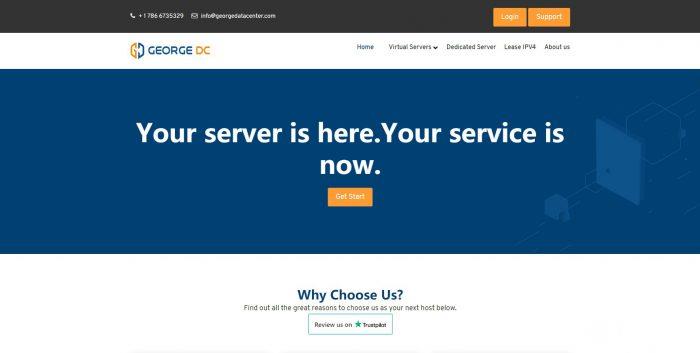
GeorgeDatacenter:洛杉矶/达拉斯/芝加哥/纽约vps云服务器;2核/8GB/250GB/2TB流量/1Gbps端口,$84/年
georgedatacenter怎么样?GeorgeDatacenter是一家2017年成立的美国商家,正规注册公司(REG: 10327625611),其实是oneman。现在有优惠,有几款特价VPS,基于Vmware。支持Paypal付款。GeorgeDatacenter目前推出的一款美国vps,2核/8GB内存/250GB NVMe空间/2TB流量/1Gbps端口/Vmware/洛杉矶/达拉...
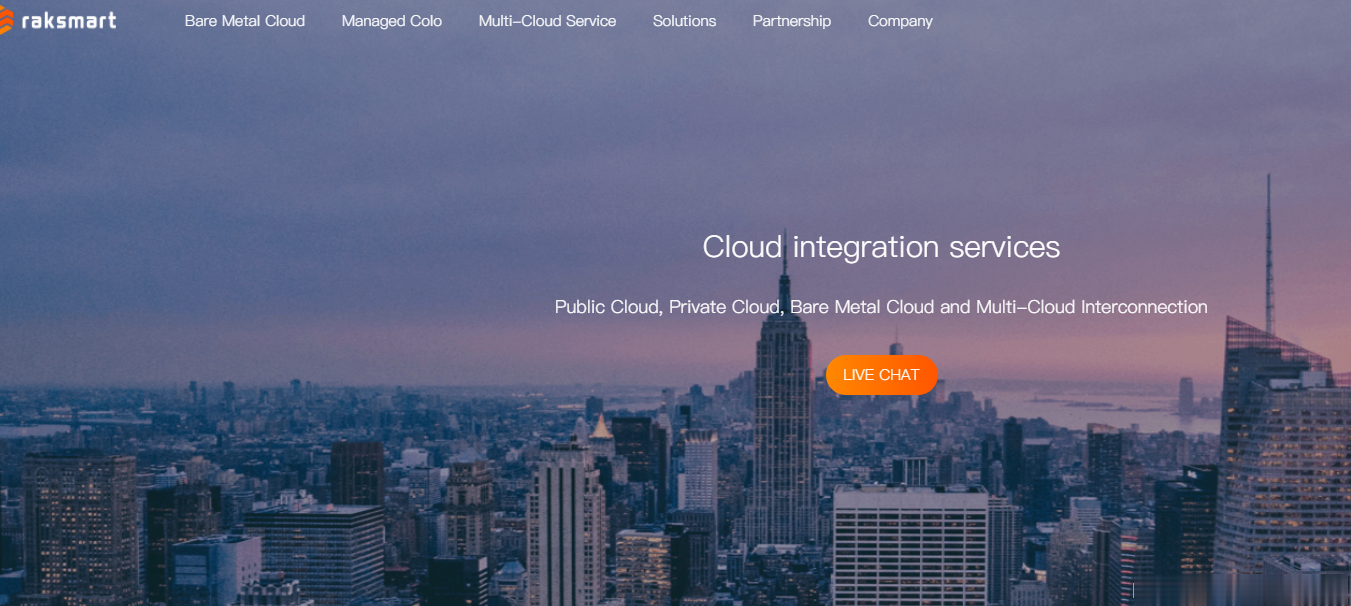
RAKsmart美国VPS上市,活动期间5折抢购仅$30,$1.99/月
RAKsmart机房将于7月1日~7月31日推出“年中大促”活动,多重惊喜供您选择;爆款I3-2120仅30美金秒杀、V4新品上市,活动期间5折抢购、爆款产品持续热卖、洛杉矶+硅谷+香港+日本站群恢复销售、G口不限流量产品超低价热卖。美国VPS、日本VPS及香港VPS享全场7折优惠;爆款VPS $ 1.99/月限量秒杀,10台/天,售完即止, VPS 7折优惠码:VPS-TP-disRAKsmar...
imidc:$88/月,e3-1230/16G内存/512gSSD/30M直连带宽/13个IPv4日本多IP
imidc对日本独立服务器在搞特别促销,原价159美元的机器现在只需要88美元,而且给13个独立IPv4,30Mbps直连带宽,不限制流量。注意,本次促销只有一个链接,有2个不同的优惠码,你用不同的优惠码就对应着不同的配置,价格也不一样。88美元的机器,下单后默认不管就给512G SSD,要指定用HDD那就发工单,如果需要多加一个/28(13个)IPv4,每个月32美元...官方网站:https:...
qqpop3为你推荐
-
游戏加速器哪个好网游加速器那个好?美国国际集团IDG在美国是干什么的?百度空间登录百度空间登陆360云盘登录360网盘怎么登陆360云盘下载下载一个360云盘,怎么下载360云盘关闭360云盘关闭个人云盘是吗?360云u盘360云U盘自动备份有什么用便宜的儿童手机在哪买手机最便宜便宜好用的手机什么牌子的手机好用又便宜便宜的手机有什么便宜的,像素好的手机吗